显示标签为“google tv box”的博文。显示所有博文

2015年2月3日星期二

Vigica V5 firmware update way--20150128

                    Quad Core Android TV Box 

       Quad core update steps for Vigica V5


If the firmware update, your installation and storage files will lost, Please backup your files before update!

Step 1:
Select the FAT32 mode and Format the TF card

Step 2:
Copy the files (1 & gt; aml_autoscript 2 & gt; factory_update_param.aml 3 & gt; V5-m201-ota-20150128.V0823.zip 4 & gt; recovery.img 5 & gt; u-boot.bin 6 & gt; unlock_autoscript) to TF Card

Step 3:
Unplug the power, Insert the TF card to TV BOX's TF card reader

Step 4:
Plug in the power, Wait 20 seconds will start to update

Step 5:
When the TV BOX reboot, Please remove the TF Card (This step is very important!), And continue to waiting five minutes

Step 6:
The update will completed, Enjoy !!

-------------------------------------------------- ------------------------------------------


Tips:
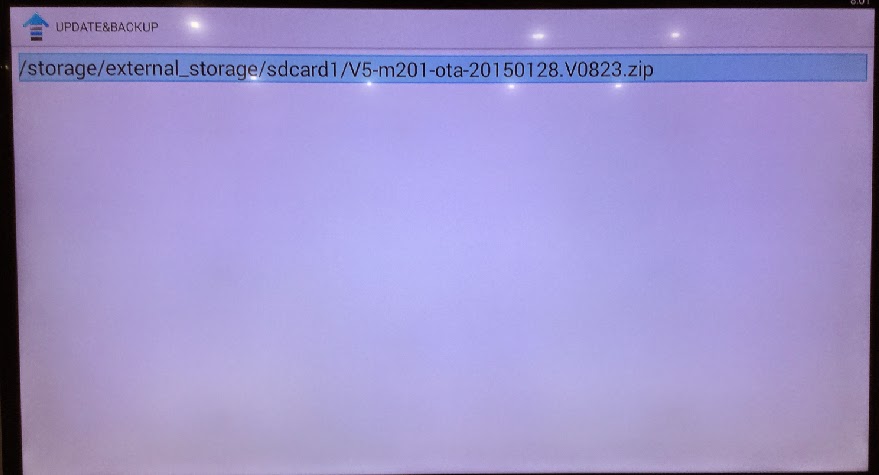
If your tv box can use in android OS, You can copy the files Copy the files (1 & gt; aml_autoscript 2 & gt; factory_update_param.aml 3 & gt; V5-m201-ota-20150128.V0823.zip 4 & gt; recovery.img 5 & gt; u-boot .bin 6 & gt; unlock_autoscript) to TF Card (no folder), & nbsp; Then insert the TF card to TVBOX's TF card reader, Into updateLocal, Select V5-m201-ota-20150128.V0823.zip and update.


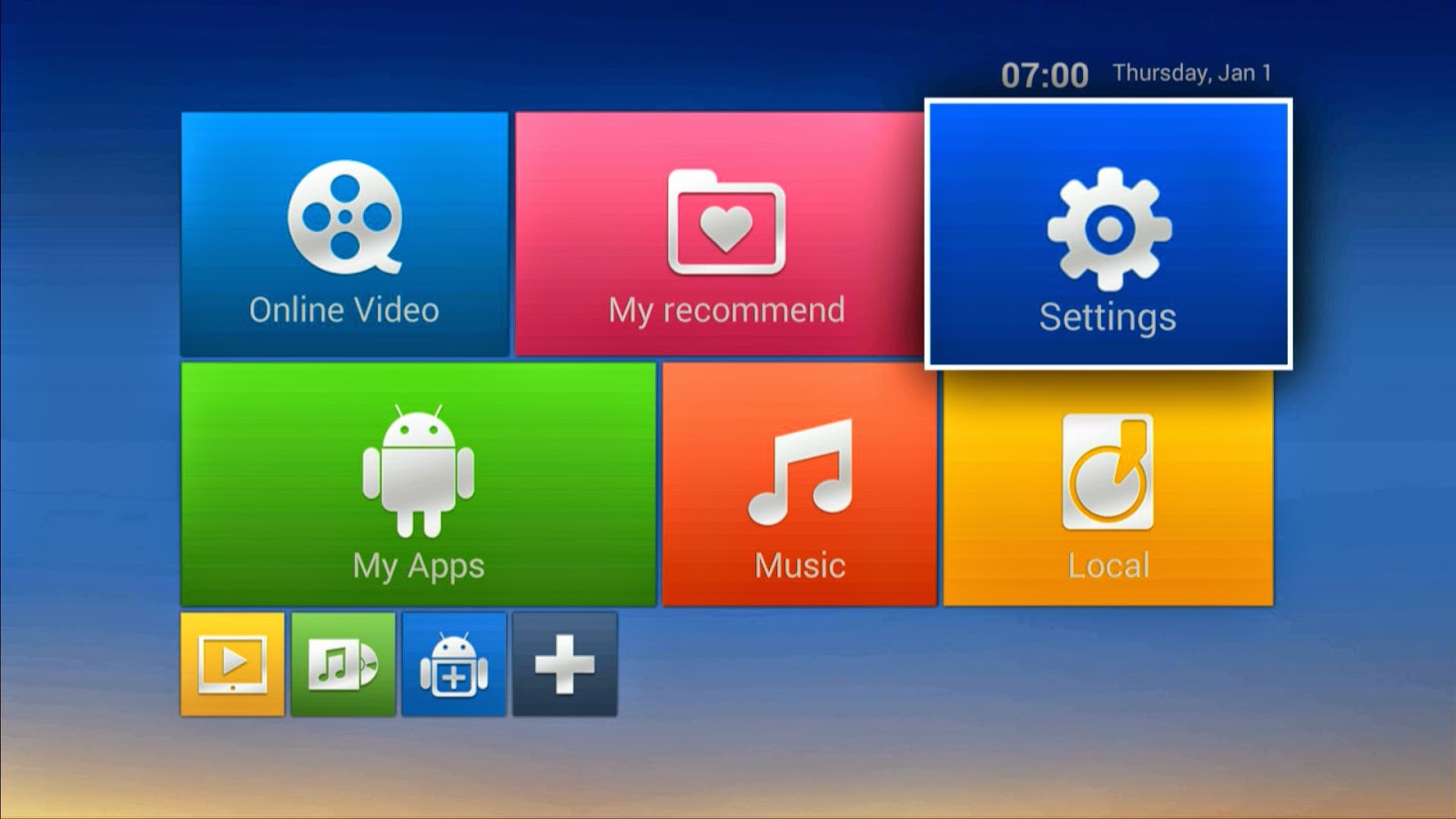
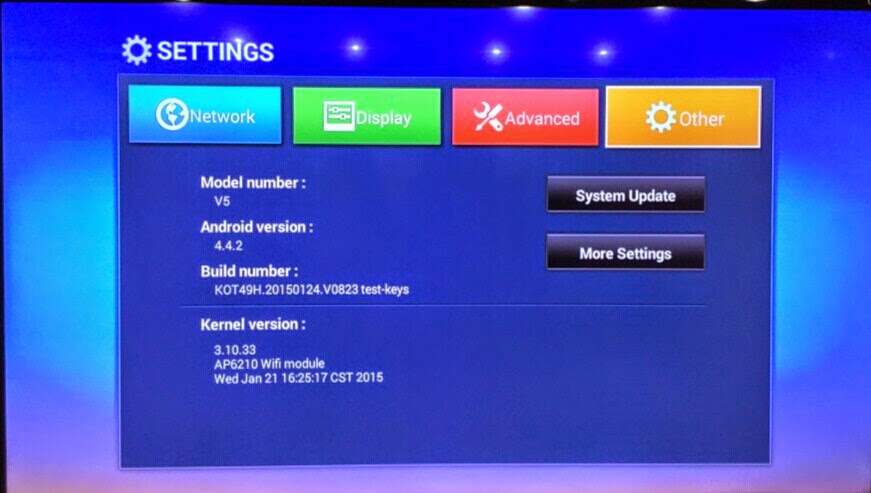
Power on the box, Enter setting


system update
choose the files


wipe data and wipe media
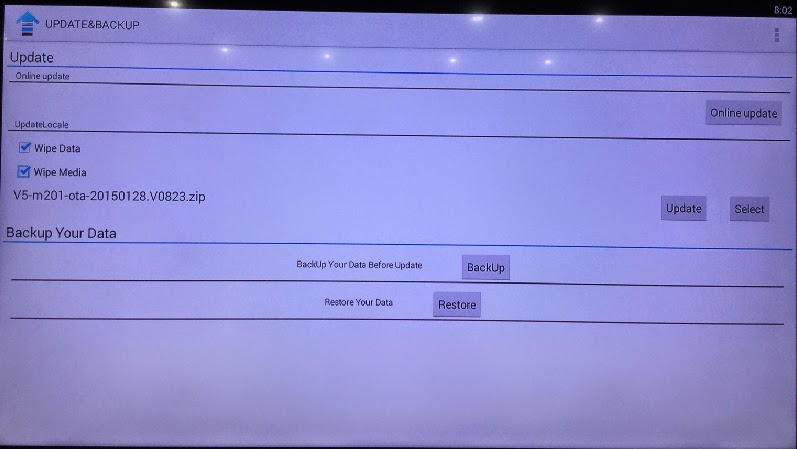

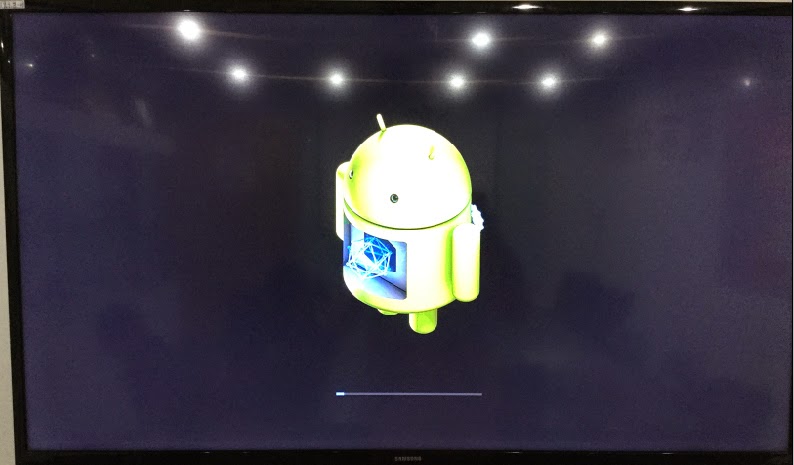
update
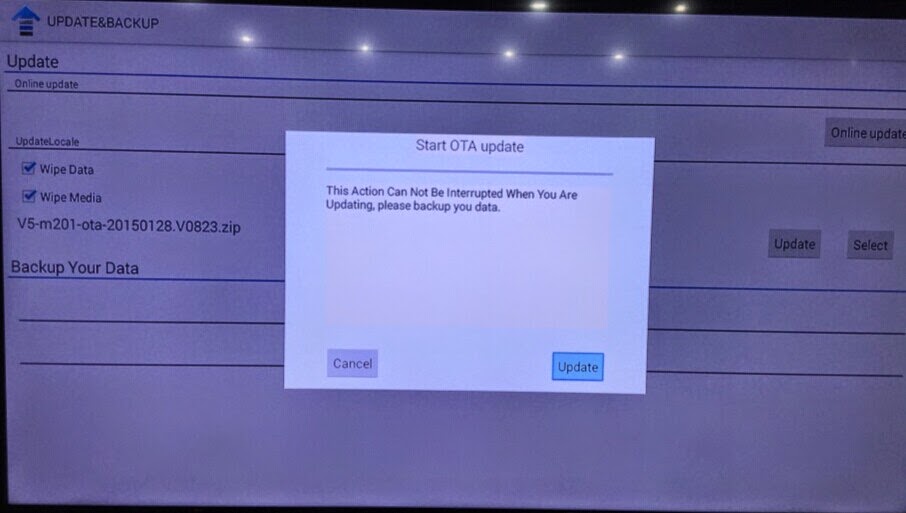


then the box will update automatic, after erasing, please take off the TF card, then the box will restart.
2014年12月18日星期四

XBMC amlogic android tv box DVB S2 supplier from Vigica, the fastest and newest updating

Why more customer like Android &DVB-S2 Vigica C70S?


Let’s learn more about this box


Vigica C70S is a android + DVB-S2 Satellite TV receiver 


1.AML8726-MX  Up to 1.5GHz ARM Cortex Dual-core A9 + 1080P Media+Dual-3D GPU 
  
2.DDRIII 1GB,Nand Flash 4GB
  
3.IR:Infra-red Remote control 
  
4.DVB-S2:DVB-S2 system standard:ETS 302 307 
  
     Symbol Rates: QPSK,8PSK 
     
     Cccam,XBMC,Bisskey ,Newcam: Support
  
  
5.Android :OS:Android 4.2.2 
  
Miracast:Mirroring the screen of phone or PAD to TV 
  
DLNA:Pushed the video, audio, pictures from phone or network to TV 
  
AirPlay:Pushed the video, audio, pictures from I/PHONE or PAD to TV 
  
XBMC: Support
  
Optional:Optional


The highlight for Vigica c70S.

1. Beautiful case,light and handy.

2. CCCam and Newcamd support.

3. Bisskey support
4. XBMC Media Center works perfectly, you can add more add-ons, it can give you more living channels, and enjoy skin, music, etc
5. High cost-effectively
Usually in market, one Amlogic box need about 50USD, HD DVB-S2 box about 40USD, Now only about 56USD, you can get one Android with DVB-S2 box, Vigica C70S can give you one home-media center. you can enjoy the movie, games at any times. 

Why you are hesitate, hurry up, join with US. 

More Details, please visit www.vigica.cc

2014年12月17日星期三

RK3288 android tv box quad core Vigica V3 support 4K, how to updating? you can find the steps here, Enjoy!

Android 4.4.2 Smart TV Box with RK3288, quad core and support 4K video Vigica V3

This is a practical articles about Vigica V3 Android Smart TV Box,
It will bring you to familiar with its function and operation of firmware.

Vigica V3 with Android 4.4.2 OS, quad core, RK3288 support 4k video,  WIFI (2.4G/5.8G dual band), Bluetooth 4.0, DLNA, music, video player,  gallery, browser, play store, adobe flash player, etc.

Following is the method that how to upgrade your Vigica V3

Warning!! 
If updating the firmware, your installation and storage files will be lost, Please backup your files before updating!

Step 1:
Plug in power cable after Connected your device to the computer by OTG cable.

Step 2:
Find and enter the firmware”Rockchip Batch Tools” in the computer, choose the specified firmware to “FW Path”


Step 3:
Press and hold the “Recover” button in the device bottom, then press power to start so the computer shows”connected device” and red light on.


Step 4:
Click” upgrade”, while upgraded to 100%, it shows” upgrade done success”


Step 5:
The update will be completed, Enjoy!!


You can visit www.vigica.cc for more different types.


2014年12月16日星期二

XBMC SMART TV BOX CHINA Vigica C60S support CCCam/bisskey Open the New market

Android Smart tv box Vigica C60S, XBMC TV Box Dual Core android &DVB-S2 CCCam and Newcamd supported


Smart tv box china Android+DVB_S2  Vigica c60s tv box 


    With the successful application of Android in the smartphone industry
the development of applications on a non-mobile phone system is particularly interesting,like digital set-top boxes based on the emergence of Android and further development has become an inevitable trend.so now let me introduce the most popular smart tv box android dvb s2  vigica c60s tv receiver . this box support cccam,newcamd bisskey and ect , hot selling in the market , have big market in the future !!

http://www.vigica.cc/products/hd-android-smart-tv-box-dvb-s2-android-vigica-c60s.html
see this andriod dvb s2 vigica c60s tv box , with very fashionable case and remote.


 check the specification

vigica c60s android +dvb s2 cccam newcam support XBMC media center .
The hardware is pretty standard, Android 4.2.2 SDK for the device. 

CPUAmologic 8726-MX 
GPUMali-400 GPU
MemoryDDRIII 1GB
FlashNand Flash 4GB
WiFi 802.11 b/g /n
IRInfra-red Remote control
LED display  Support
Android languageChinese , English ,Germany ,Japanese, Korea  etc.  24 languages
http://www.vigica.cc/products/hd-android-smart-tv-box-dvb-s2-android-vigica-c60s.html
                                                      
this box hot in many Europe country , like UK and Italy and France ,all those country customer said the cccam and newcam works well , we also sale to Malaysia and some other country ,in a word , Vigica c60s  earn good reputation right now !!