显示标签为“DVB S2 supplier”的博文。显示所有博文

2015年2月3日星期二

Vigica V5 firmware update way--20150128

                    Quad Core Android TV Box 

       Quad core update steps for Vigica V5


If the firmware update, your installation and storage files will lost, Please backup your files before update!

Step 1:
Select the FAT32 mode and Format the TF card

Step 2:
Copy the files (1 & gt; aml_autoscript 2 & gt; factory_update_param.aml 3 & gt; V5-m201-ota-20150128.V0823.zip 4 & gt; recovery.img 5 & gt; u-boot.bin 6 & gt; unlock_autoscript) to TF Card

Step 3:
Unplug the power, Insert the TF card to TV BOX's TF card reader

Step 4:
Plug in the power, Wait 20 seconds will start to update

Step 5:
When the TV BOX reboot, Please remove the TF Card (This step is very important!), And continue to waiting five minutes

Step 6:
The update will completed, Enjoy !!

-------------------------------------------------- ------------------------------------------


Tips:
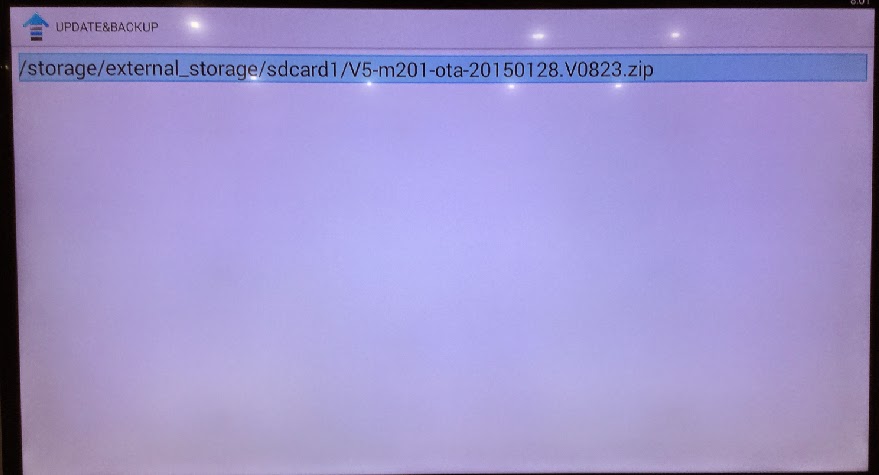
If your tv box can use in android OS, You can copy the files Copy the files (1 & gt; aml_autoscript 2 & gt; factory_update_param.aml 3 & gt; V5-m201-ota-20150128.V0823.zip 4 & gt; recovery.img 5 & gt; u-boot .bin 6 & gt; unlock_autoscript) to TF Card (no folder), & nbsp; Then insert the TF card to TVBOX's TF card reader, Into updateLocal, Select V5-m201-ota-20150128.V0823.zip and update.


Power on the box, Enter setting
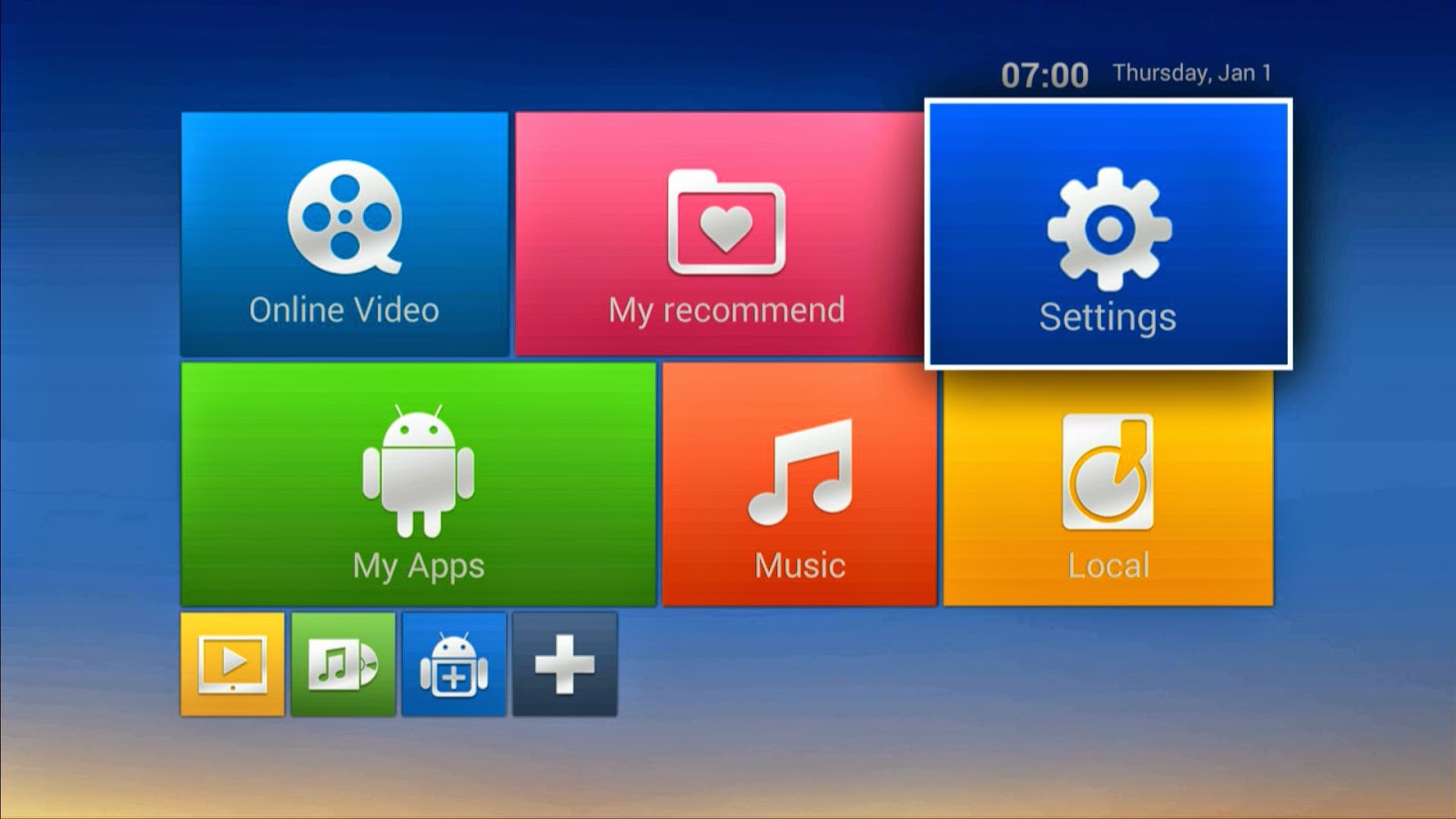


system update
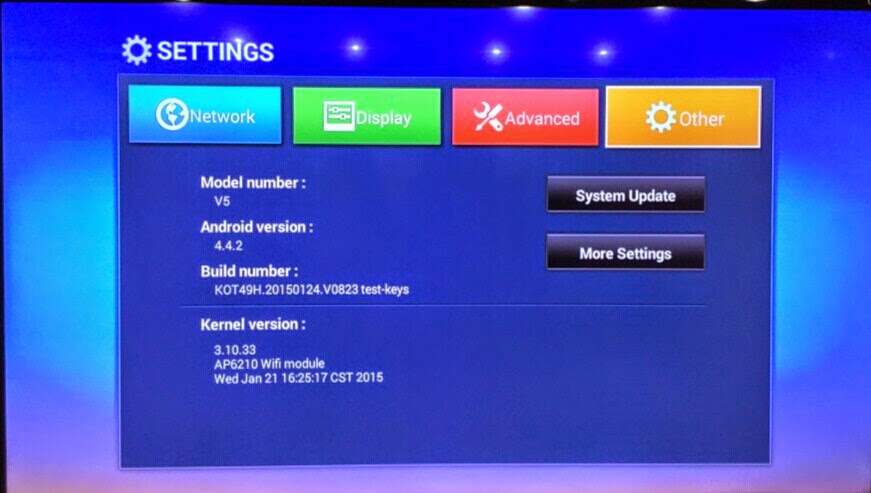
choose the files


wipe data and wipe media
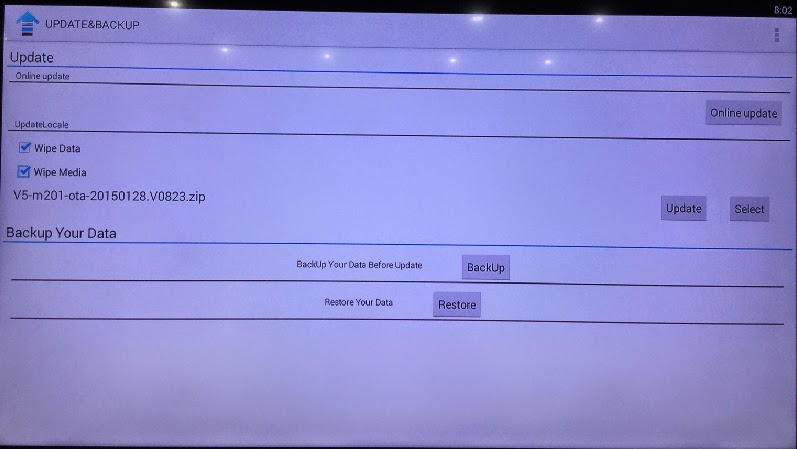

update
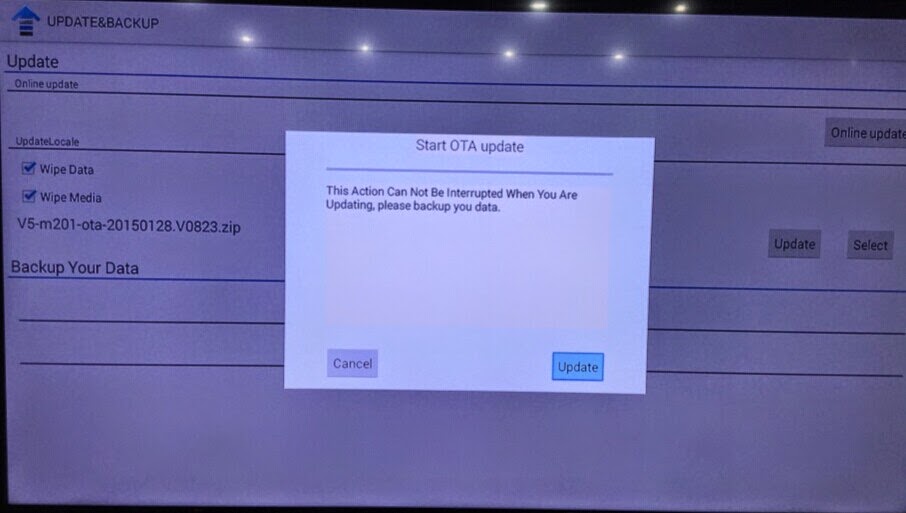


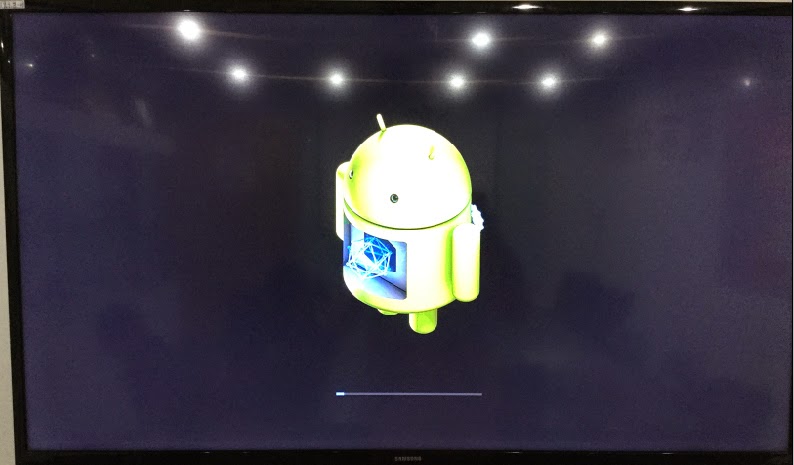
then the box will update automatic, after erasing, please take off the TF card, then the box will restart.
2015年1月13日星期二

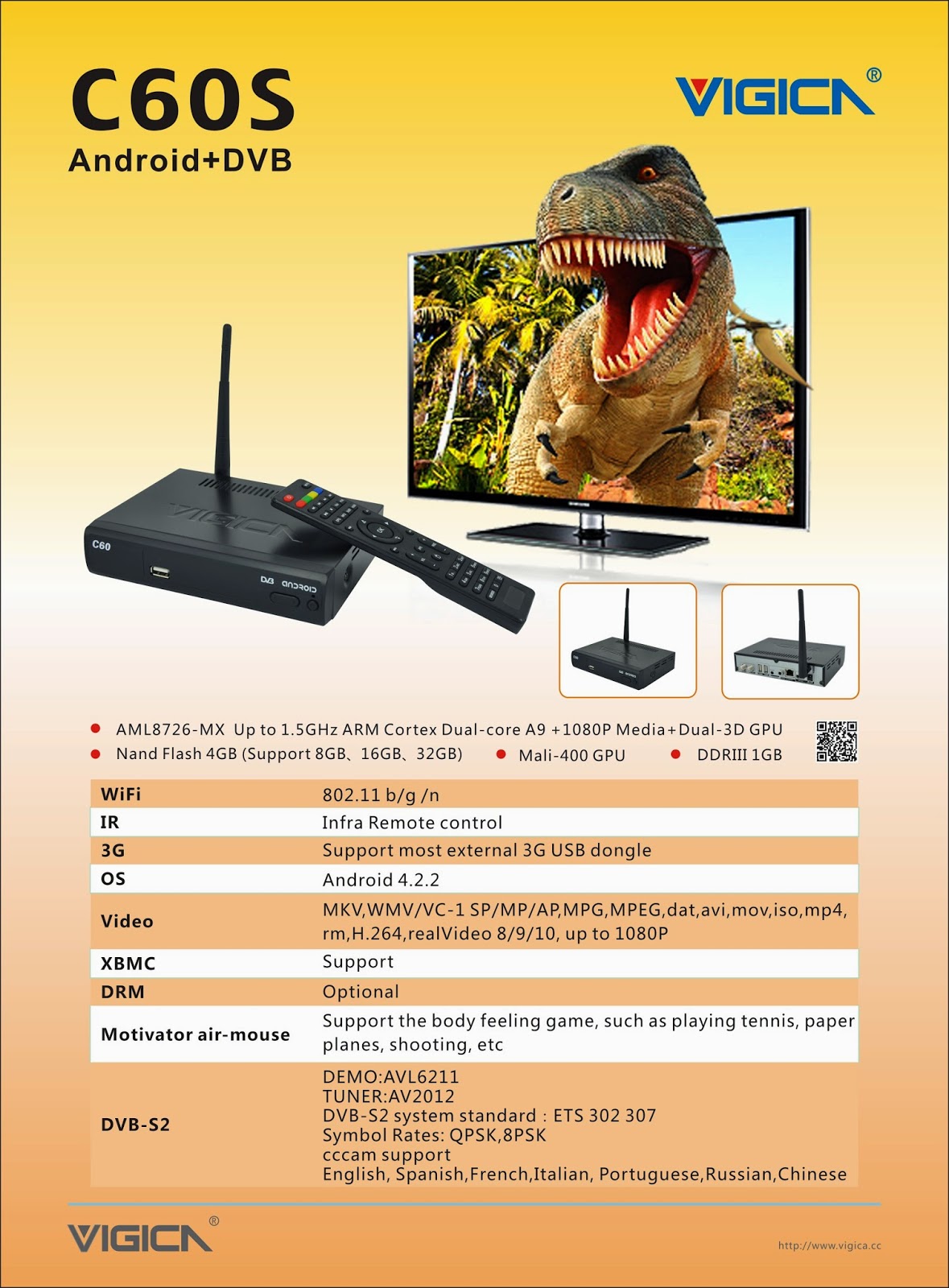
Smart tv box DVB S2 to Update firmware of Vigica C60S/C70S, Enjoying!

About Newest Update for Vigica Smart TV Box C60S DVB-S2

About Newest Update for Vigica Smart TV Box C60S DVB-S2

Last Week, we have already posted out the New firmware for Vigica C60S and C70S DVB-S2 CCCam box.


the Details please read here:

Update steps:

Method 1
( Usually, the box cant open normally, cant power on, and you want to make a fixed MAC to the box, please use this method)

   Format the SD card, then put the files and upgrade tools in SD card directly, then Connect the HDMI Cable with Vigica smart box and TV, Insert the SD card to the vigica box, Power on the vigica box, then the box will enter into upgrade system, please dont power off the system, after the box showing erasing, please take off the SD card from the vigica smart box. some seconds later, the box will tell you to input the MAC address by Scaaing or keyboard, after do that, please restard the Vigica box system, the box will auto restart again. update is finished.

Step 1:     Start update

Step2:  Insert the SD card and connect HDMI cable

www.vigica.cc/products/hd-android-smart-tv-box-dvb-s2-android-vigica-c60s.html

Step 3:  Power on the box
www.vigica.cc/products/hd-android-smart-tv-box-dvb-s2-android-vigica-c60s.html

 Step 4: the box will go enter update auto itself
www.vigica.cc/products/hd-android-smart-tv-box-dvb-s2-android-vigica-c60s.html

Step 5:  the front panel showing
www.vigica.cc/products/hd-android-smart-tv-box-dvb-s2-android-vigica-c60s.html


Step 6:  after the box showing erasing
www.vigica.cc/products/hd-android-smart-tv-box-dvb-s2-android-vigica-c60s.html


Step 7: take off the SD card
www.vigica.cc/products/hd-android-smart-tv-box-dvb-s2-android-vigica-c60s.html


Step 8: about 30 seconds, the box will restart

www.vigica.cc/products/hd-android-smart-tv-box-dvb-s2-android-vigica-c60s.html


Step 9:  first entering system after update
www.vigica.cc/products/hd-android-smart-tv-box-dvb-s2-android-vigica-c60s.html


Step 10:   update is success
www.vigica.cc/products/hd-android-smart-tv-box-dvb-s2-android-vigica-c60s.html


Methods 2

( if you just want to update the bugs, the box can work well, please use this one, this methods wont tell you to write down the MAC)

Put the files to the USB or SD card  (Please note: only the Vigica files in USBor SD card  directly)

Power on the Vigica smart box firstly, after enter the main interface, Insert the USB or SD card to the vigica box, then go inside all apps-----Local upgrade, the box will read the data from USB or SD card, choose that files, the vigica Box will go to update by itself, then restart .

Step 1: power on the box, enter the application


Step 2: Insert SD card or USB to the box 

Step 3: choose local upgrade 

  Step 4: choose the firmware, press ok.


Step 5: the box will go entering update, then restart again.

the update will be finished. more details can check ww.vigica.cc


http://www.vigica.cc/products/hd-android-smart-tv-box-dvb-s2-android-vigica-c60s.html

http://www.vigica.cc/products/hd-android-smart-tv-box-dvb-s2-android-vigica-c60s.html


Vigica C60S/ Vigica C70S Android with DVB-S2 support CCCam, Newcamd

Vigica C60T/ Vigica C70T Android with DVB-T2, Russia, Thai support

Vigica C70A Android with ATSC tuner for North American(Canada, USA,Mexico, Korea) 

Vigica V3, RK3288 4K Video Quad Core TV box 

Vigica V5, S805 Quad Core TV Box

Vigica VG328, RK3288 Mini PC. Fly Mouse Ipush Dongle

http://vigicaiptvbox.blogspot.com/ 

http://www.facebook.com/vigicaiptvbox

More details please check www.vigica.cc

2015年1月5日星期一

Amlogic S805 Quad Core Android TV Box Smart with DVB-S2 with CCCam, Newcamd Vigica C90S

Full Description for Quad Core Android TV Box Smart with DVB-S2 with CCCam, Newcamd Vigica C90S


Full Description for Quad Core Android TV Box Smart with DVB-S2 with CCCam, Newcamd Vigica C90S

CPUAmlogic S805  Quad Core Coretex-A5 Up to 1.5GHz
GPUQuad Core Mali-450 Up to 400MHz
MemoryDDRIII 1GB
FlashNand Flash 8GB
WiFi AP6210  802.11 b/g /n
BlutoothSupport
IRInfra-red Remote control
MouldBlack
LED IndicatorPower ON :blue; Standby :Red 
CCCamSupport
NewcamdSupport
BissSupport
DVB-S2DEMO:AVL6211
TUNER:AV2012
DVB-S2 system standard:ETS 302 307
Symbol Rates: QPSK,8PSK
Forward error correction rate 1/4,1/3,2/5,3/5,2/3,3/4,4/5,5/6,8/9,9/10
Carrier frequency acquisition range: ±5MHz for symbol rates above 3 Msps and ±3MHz for the remaining symbol rates
Roll-off factors for pulse shaping: 0.2, 0.25 and 0.35
Symbol Rates: 1- 55 Msps
Code Rates: 1/2, 2/3, 3/4, 5/6, 7/8
Input Signal level: -84 dBm to  0 dBm (average power)
ANT. Connector:IEC TYPE, female Loop Outpur:IEC TYPE, male
PowerDC input  12V/1.5A
Accessoriesgift box
Power charger adapter
AV cable
IR remote control
User Manual
I/O1*HDMI 1.4bUp to 1080p resolution
2*USB HOSTHost usb port
1*TF CARDSUPPORT 1~32GB
1*AVStandard resolution AV signal
1*SPDIFCoaxial
1*RJ4510/100 BaseT
1*Power input12V/1.5A
Software
OSAndroid 4.4.2 (KitKat)
Video1080P, H.265/HEVC, H.264, VC-1, MPEG1/2/4
AudioMP3,AAC,WMA,RM,FLAC,OGG
PictureJPG,BMP,PNG…
Adobe FlashAdobe Flash 10.1 support or above
LanguageChinese , English ,Germany ,Japanese, Korea  etc.  24 languages
XBMCSupport
Appliactions
OnlineBrowse all  video websites  ,support  Netflix ,Hulu ,Flixster , youtube etc
AppsApps  download  freely form  android  market 、amazon appstore etc
MediumLocal Media playback,support HDD, U disck ,SD card
Talk onlineSupport  SKYPE video  call ,MSN , facebook ,twitter ,QQ  etc
OthersSupport wifi hotpiont ,could  be as a  wireless  router
Support DLNA, AirPlay, Google TV Remote, LAN, 3D Moive, Email , office suit etc

Vigica C60T/ Vigica C70T Android with DVB-T2, Russia, Thai support

Vigica C70A Android with ATSC tuner for North American(Canada, USA,Mexico, Korea)

Vigica C90S Android with DVB-S2 CCCam, Newcamd Quad Core TV box

Vigica C90T Android with DVB-T2 Quad Core DVB-T2 box

Vigica V3, RK3288 4K Video Quad Core TV box

Vigica V5, S805 Quad Core TV Box

Vigica VG328, RK3288 Mini PC. Fly Mouse Ipush Dongle

http://android-tv-box-vigica.blogspot.com/

More details please check www.vigica.cc